



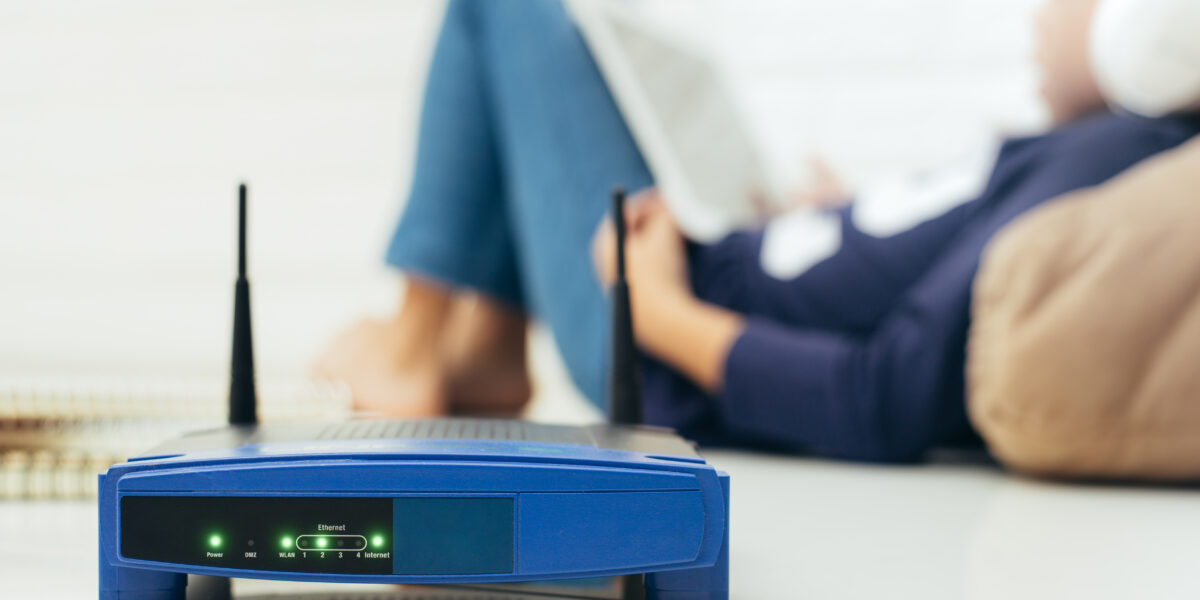
Most routers should be replaced every 3 to 5 years to maintain strong performance, security, and compatibility with newer devices and internet speeds. If your connection feels slower, less reliable, or struggles to keep up with your household’s demands, it may be time for an upgrade. This guide explains how often you should replace your router and the key signs that your current hardware is becoming outdated.
Key Takeaways
- Most routers last 3 to 5 years — that is the general replacement window for most households.
- The specific triggers for earlier replacement: persistent performance issues, lost manufacturer support, or falling behind on Wi-Fi standards.
- The underlying internet connection matters as much as the router — a fast fiber plan paired with an aging router is a mismatch worth fixing.
When to Upgrade: Signs and Symptoms
Understanding the lifespan of a router will set the stage for deciding how often you should replace your router. Typically, a well-maintained router can last around three to five years. However, the precise timing depends on several critical factors.
Technological Advancements
Routers, like all tech gadgets, evolve rapidly. If your current router doesn’t support the latest standards like Wi-Fi 6 or 6E, you might be missing out on faster speeds and improved connectivity. Ask yourself, "How often are new iterations of my router's technology released?" Staying informed will help you align your upgrade cycle with technological advances.
As of 2025, Wi-Fi 7 (802.11be) is the current generation standard, offering significantly lower latency and higher throughput than Wi-Fi 6 or 6E. If your router predates Wi-Fi 6, an upgrade will produce a noticeable real-world improvement for most households.
Performance Issues
Declining performance is a red flag. Does your internet connection frequently drop, or do downloads take longer than they should? Excessive buffering or slow network response might indicate it's time for a new device.
Security Concerns
Cybersecurity is paramount. Older routers may not support the latest security protocols, leaving you vulnerable. A router replacement helps ensure your network is fortified against potential threats.
Specifically, look for a replacement that supports WPA3 encryption — the current standard for securing network traffic — and automatic firmware updates. Routers that have reached manufacturer end-of-support will not receive patches for newly discovered vulnerabilities, regardless of how well they otherwise perform.
Increased Device Load
With more devices requiring connectivity, an older router may struggle to keep up. If your home or office has seen an uptick in smart gadgets, consider upgrading to a more robust router better equipped to handle the load.
How Long Do Routers Last?
The average router lasts three to five years under normal household use; this is both the typical physical lifespan and the window after which most routers fall behind on Wi-Fi standards and security support. Build quality, heat exposure, and usage intensity all play a role — a router running 24/7 in a poorly ventilated space will degrade faster than one in an open, cooler spot. The more relevant question is not how long the hardware holds up physically, but whether it still receives firmware updates and supports the standards your devices and internet plan require.
Manufacturers typically support a router model for three to five years after release before phasing out updates. Check your router manufacturer's website to confirm whether your model is still actively supported. If it is not, replacement is worth prioritizing even if the connection seems functional.
Should You Replace Your Router? A Quick Checklist
If two or more of the following apply, replacement is worth considering:
☐ Your router is more than 3 to 5 years old
☐ You experience frequent connection drops or slow speeds across multiple devices
☐ Your router does not support Wi-Fi 6 or newer
☐ Your manufacturer no longer issues firmware updates for your model
☐ You recently upgraded your internet plan but speeds have not improved
☐ You have added significantly more devices to your home network
☐ Your router runs consistently hot or shows physical signs of wear
If two or more apply, it may be time to replace your router — check what All West Fiber plans are available at your address.
FAQs: How Often Should You Replace Your Router?
What indicators suggest a router is aging?
Indicators include frequent connection drops, slow internet speeds, and the router performing sporadically on compatible devices. Another sign could be its inability to handle newer security updates.
Does the physical condition of the router matter?
Yes. If your router shows physical signs of wear and tear, such as overheating or visibly damaged components, it might be time for a replacement.
Could software updates extend the life of my router?
While firmware updates can improve performance and security, they cannot fundamentally upgrade the router's hardware. These updates can prolong usability but don’t replace the need for a new router eventually.
Is there an environmental impact to consider?
Yes, upgrading responsibly is crucial. Look into recycling old devices instead of disposing of them improperly, as this helps minimize environmental harm.
Router Replacement: The Bottom Line
So, how often should you replace your router? The answer hinges on balancing several factors, including technological advancements, performance stability, security needs, and device load. Generally, replacing your router every three to five years keeps you abreast of technological developments and ensures optimal security and performance in your digital life. Being proactive rather than reactive will help you maintain a robust and efficient internet environment for your home or office.