



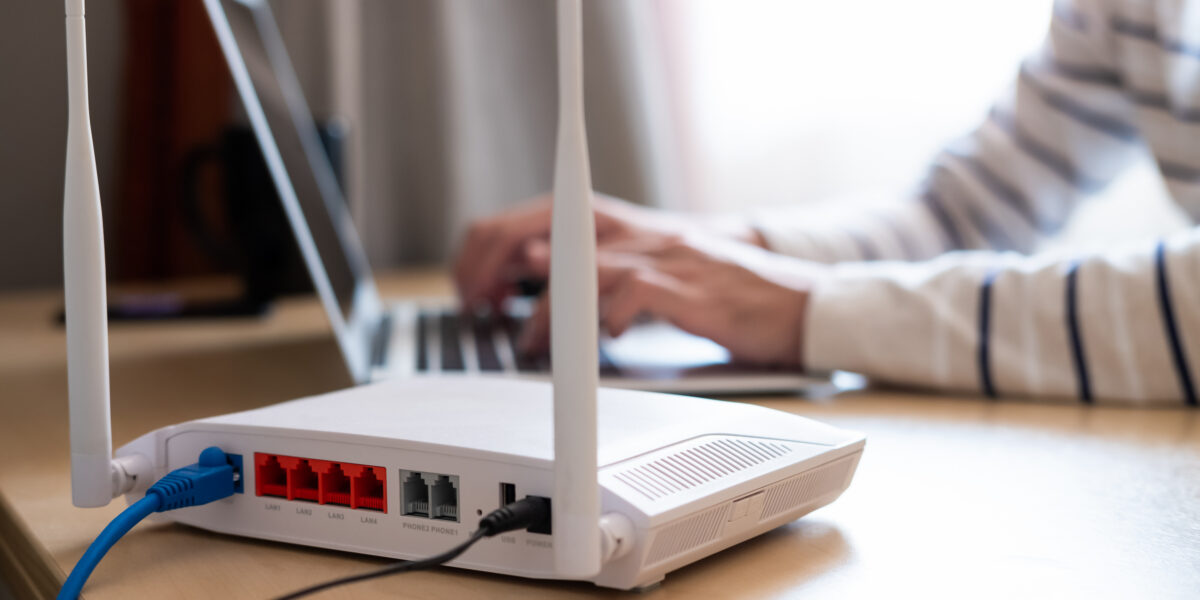
If you’ve ever blamed “the Wi-Fi” when a video call freezes or a website won’t load, you’re not alone. Many people use the terms interchangeably, but wi-fi vs internet is not the same thing. Understanding the difference between Wi-Fi and internet can make troubleshooting much easier - and help you choose the right setup for your home or business.
Here’s the simplest way to think about it:
- Internet is the service coming into your building from your provider.
- Wi-Fi is the wireless signal that distributes that internet to your devices inside your building.
You can have excellent internet service and still have poor Wi-Fi. You can also have strong Wi-Fi bars but a weak internet connection. Once you understand where each one “lives,” it becomes much easier to identify the real problem.
This guide breaks down internet vs Wi-Fi in plain English, with examples and a simple troubleshooting checklist.
What Is the Internet?
The internet is the global network that connects your home or business to websites, apps, cloud services, streaming platforms, and everything else online.
Think of it like the main highway system that carries data from all over the world to your address.
When you open:
- a website
- an email app
- a video meeting
- a streaming service
…your device is reaching out across the internet to retrieve that information.
The internet is the “pipe”
A useful analogy:
The internet is like a water line running from the city to your property.
It delivers the service to your building, but it doesn’t control how that service moves around inside once it gets there.
All West delivers internet service primarily through fiber, bringing high-speed connectivity directly to homes and businesses.
How Your Internet Gets to Your Home
The connection usually arrives through:
- Underground fiber cables
- Utility poles
- Neighborhood infrastructure
That outside connection reaches equipment on your building, such as:
- A modem
- An ONT (Optical Network Terminal for fiber)
That device converts the provider’s signal into something your own equipment can use.
In simple terms:
- Outside your building = provider network
- Inside your building = your network
What Is Wi-Fi?
Wi-Fi is the technology that wirelessly distributes your internet connection to devices in your home or office.
It uses radio waves to connect devices like:
- laptops
- phones
- smart TVs
- printers
- tablets
without cables.
Wi-Fi is the sprinkler system
If the internet is the water line from the street, Wi-Fi is the sprinkler system spreading water around your property.
It doesn’t create the water. It simply distributes it.
That means Wi-Fi depends on having internet available first.
The router creates Wi-Fi
Your router (or gateway) is the device that broadcasts your Wi-Fi network.
It creates the wireless signal your devices connect to.
Some setups also include:
- Mesh Wi-Fi systems
- Range extenders
- Additional access points
For more on extending coverage, see Wi-Fi extender vs booster guide.
How Wi-Fi Works Inside Your Space
Your router sends out a wireless signal that devices connect to.
That signal can weaken because of:
- Walls
- Floors
- Metal objects
- Distance
- Other electronics
- Neighboring Wi-Fi networks
Important: Wi-Fi does not increase or decrease the speed entering your building. It only affects how much of that speed your devices can actually receive.
Wi-Fi vs Internet: Key Differences
The easiest way to understand internet vs Wi-Fi is to compare them directly.
Internet
- Service provided by your ISP
- Connects your home to the online world
- Delivered from outside your property
- Controlled by your provider
- Requires a service plan
Wi-Fi
- Local wireless network inside your building
- Created by your router
- Connects your devices to the internet
- Controlled by your equipment
- Affected by placement and interference
Where Wi-Fi and the Internet Live
Internet lives outside your building
Your provider delivers internet to your location.
That includes:
- fiber lines
- neighborhood infrastructure
- central service equipment
Wi-Fi lives inside your building
Your router creates Wi-Fi inside your home or office.
That means you can have:
Good internet + bad Wi-Fi
Example:
- Fast fiber plan
- Router hidden in basement
- Weak signal upstairs
Result: devices feel slow even though the internet service is excellent.
Bad internet + good Wi-Fi
Example:
- Strong signal bars
- Router working fine
- Provider outage
Result: devices connect to Wi-Fi but nothing loads.
What Really Affects Your Speed & Experience
Many people assume strong signal bars mean fast internet. That isn’t always true.
Your internet plan sets the maximum speed
This is the speed delivered to your building.
Your Wi-Fi setup determines real-world performance
That includes:
- Router quality
- Router age
- Placement
- Number of connected devices
- Interference
A good way to test is by running a speed test.
Use: All West speed test guide.
Equipment, Costs, and Who Manages What
Internet
Managed by your provider.
Includes:
- Monthly service plan
- Download/upload speed
- Infrastructure maintenance
Wi-Fi
Managed by your in-building equipment.
Includes:
- Router
- Gateway
- Mesh systems
- Extenders
If your wired connection is fast but wireless is slow, upgrading Wi-Fi hardware often helps more than changing plans.
Is It My Internet or My Wi-Fi? A Simple Troubleshooting Guide
If things are slow, here’s how to narrow it down.
Signs It’s an Internet Problem
- No connection on all devices
- Wired and wireless both fail
- Speed test is slow even when wired
- Modem shows warning lights
You can also check for outages here:
All West outages and maintenance
Signs It’s a Wi-Fi Problem
- Some rooms are slow
- Some devices work fine
- Wired speeds are fast
- Only wireless devices struggle
Additional troubleshooting tips:
Internet connection issues guide
Then Optimize Your Wi-Fi Setup
Consider:
- Upgrading older routers
- Using mesh systems
- Moving your router centrally
- Reducing interference
Large homes and office spaces often benefit from multi-point Wi-Fi systems.
Quick Checklist Before You Call Support
Try these steps first:
- Restart your modem and router
- Move closer to the router
- Reduce active devices
- Pause heavy downloads
- Test with Ethernet
- Compare wired vs Wi-Fi results
This quickly shows whether the issue is outside or inside your building.
Getting the Best Connection with All West
Start with the Right Internet Plan
The right plan depends on how many users and devices you have.
Homes
Consider:
- Number of people
- Streaming habits
- Gaming
- Remote work
Businesses
Think about:
- Office size
- Cloud software
- Video conferencing
- Multiple users
Frequently Asked Questions
Which is faster: wired internet or Wi-Fi?
A wired Ethernet connection is almost always faster and more stable.
Wi-Fi is convenient but affected by distance and interference.
Do I need a better router or a faster internet plan?
If wired speeds are low, consider upgrading your internet plan.
If wired speeds are good but Wi-Fi is slow, focus on your router.
Can All West help me improve my Wi-Fi?
Yes.
All West can help determine whether the issue is:
- Your internet service
- Your Wi-Fi equipment
- In-home signal coverage
They can also recommend solutions for stronger whole-home connectivity.
Conclusion
The difference between Wi-Fi and internet comes down to one simple idea:
- Internet brings the connection to your building
- Wi-Fi distributes that connection inside it
Understanding that distinction makes it much easier to troubleshoot slow speeds, improve performance, and choose the right solution.
If you need faster service, stronger coverage, or help diagnosing a connection issue, All West Internet solutions can help.