



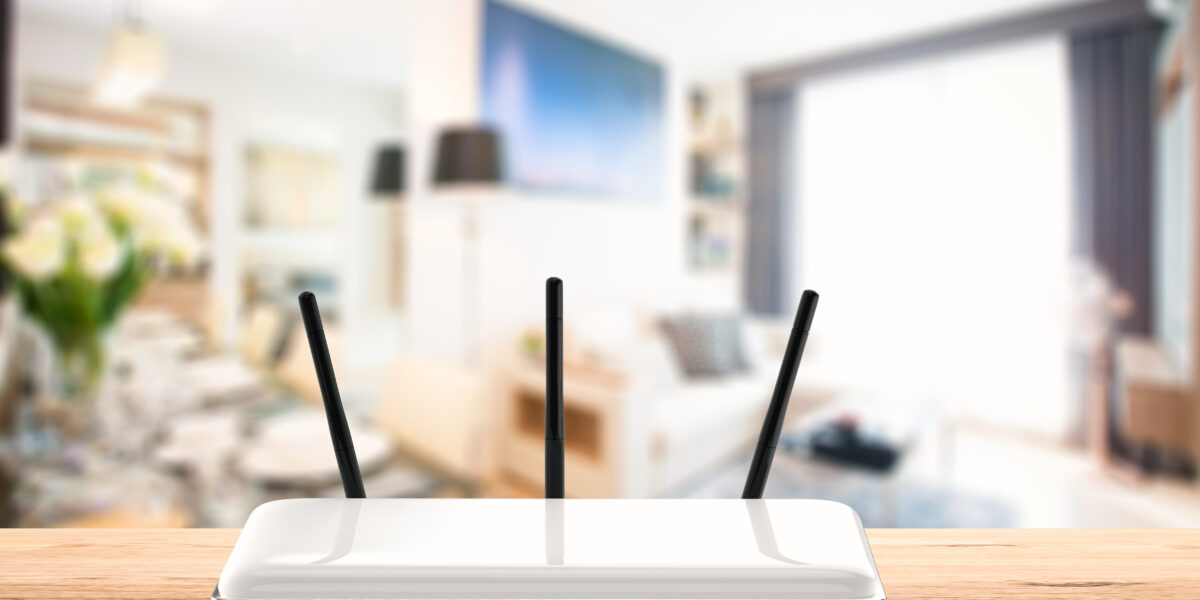
Ensuring a robust and reliable Wi-Fi connection in your home is more important than ever. Whether you're streaming movies, attending virtual meetings, or gaming online, a seamless connection can make all the difference. Proper placement can mean the difference between frustrating Wi-Fi dead zones and smooth, consistent connectivity.
Why Router Placement Impacts Internet Speed
It’s easy to underestimate how much your router’s location affects internet speed and signal strength throughout your home. Routers broadcast radio signals outward, but dense materials like concrete, brick, metal, and even large appliances can absorb or weaken those signals as they pass through. Walls, floors, and moisture in the air can also reduce coverage and create dead zones. That’s why placing your router in a centralized, open location is essential for achieving the best possible performance.
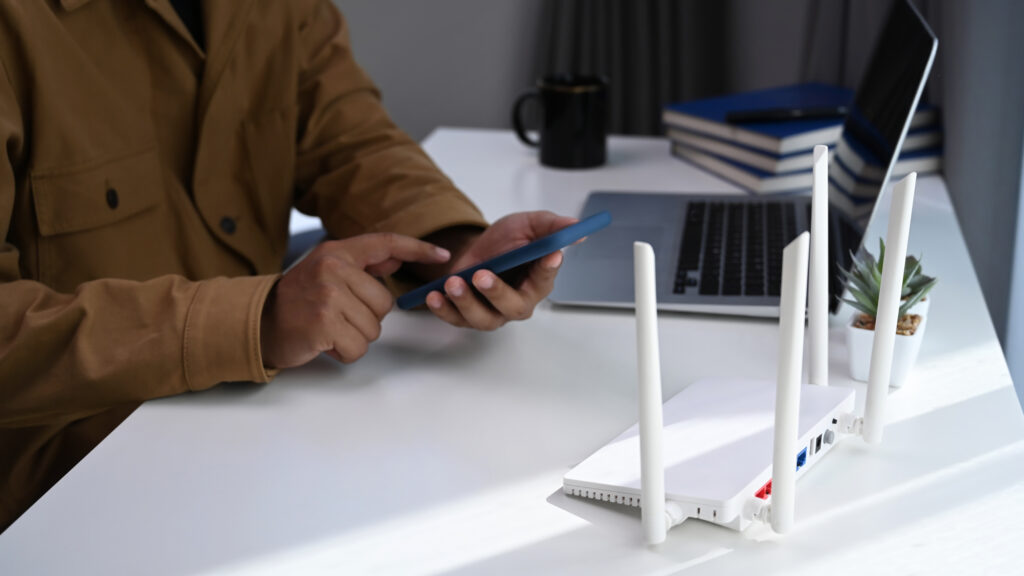
Rules for the Best Router Placement
Go Central: The "Hub and Spoke" Method
Ideally, choose a central router location in your home's layout to distribute bandwidth equally. This helps evenly distribute the signal in all directions, minimizing weak spots. If your house is multi-leveled, consider placing it on the main floor.
Central Hallway: Often, placing the router in a central hallway on a higher shelf can cover multiple rooms by extending outwards from a central core.
Get High: Why Elevation Matters
Place the router on a shelf or mount it on a wall 5 - 7 feet high. Since routers broadcast their signal downwards, following router elevation tips like placing it on a high shelf maximizes reach.
Line of Sight: Avoiding Walls
Keep your router away from thick walls, metal objects, and electronic appliances like microwaves or cordless phones. These are notorious for causing Wi-Fi signal interference that drops your connection.
Also, keep your router out in the open as opposed to a cabinet or closet for better signal distribution.
Antenna Orientation: If your router has adjustable antennas, experiment with their orientation. Generally, adjusting the router antenna orientation to be perpendicular to the device can enhance coverage for different device types.
The Worst Places to Put Your Router
The Kitchen (Microwaves and Appliances)
The kitchen is one of the worst places to put your router because it contains multiple sources of wireless interference. Microwave ovens operate on the 2.4GHz frequency band - the same frequency used by many Wi-Fi routers and smart devices. When a microwave is running, it can generate electromagnetic interference that disrupts nearby Wi-Fi signals, causing slower speeds, dropped connections, buffering, and unstable performance. Large metal appliances like refrigerators, ovens, and dishwashers can also reflect or absorb wireless signals, making it harder for Wi-Fi to travel efficiently throughout your home.
The Floor or Basement
Generally, it's not advisable to place your router in the attic or basement, as the signal may struggle to penetrate the rest of the home from these locations.
Hidden in Media Consoles
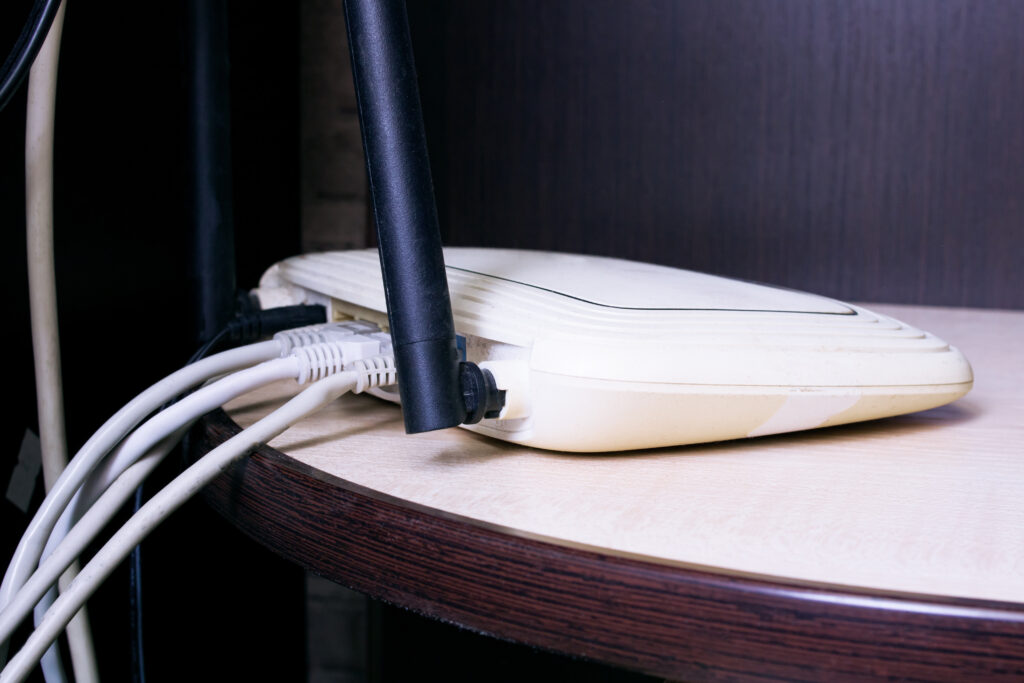
Placing your router inside a media console or enclosed cabinet can significantly reduce both performance and lifespan. Routers generate heat continuously, and when they’re tucked into tight, poorly ventilated spaces, that heat becomes trapped and can lead to overheating. Excess heat may cause slower performance, intermittent connection drops, automatic throttling, or even long-term hardware damage. Enclosed cabinets also weaken Wi-Fi signals by blocking or absorbing the radio waves before they can effectively spread throughout your home.
Troubleshooting Dead Zones
Before assuming you have a Wi-Fi coverage problem, it’s important to verify what’s actually causing the issue. Start by walking into the suspected “dead zone” with a different device - ideally one that’s newer or known to perform well, such as a smartphone if your original test was on a laptop (or vice versa). Run a speed test and check signal strength in that area.
This helps determine whether the issue is truly related to your router’s range or if it’s simply an older device struggling to maintain a stable connection. If multiple devices show weak performance in the same spot, it’s more likely a coverage or interference problem. If only one device is affected, the issue may be hardware limitations rather than your network itself.
Eliminate Dead Zones with Managed Wi-Fi
Wi-Fi Extenders
Consider using extenders or mesh Wi-Fi systems for large homes to maintain strong signals in all corners. All West offers Managed Wi-Fi solutions that use mesh nodes to eliminate dead spots automatically.
Router Settings
Don't overlook software tweaks; ensure your router’s firmware is up-to-date and experiment with switching between the 2.4GHz vs 5GHz band to find the clearest channel.
Actionable tip: Log into your router’s admin panel to check for security patches and performance updates.
Trial and Error
Sometimes the perfect spot needs experimentation; testing different locations can yield the best results. Use a speed test app (like Ookla) in your furthest room to verify improvements after moving the router.
Common Questions About Router Placement
Should I place my router near my modem?
While it can be convenient to place your router near your modem, prioritize a location that is central in your home for optimal Wi-Fi coverage.
Can furniture affect my Wi-Fi signal?
Yes, large furniture items, especially those made of metal, can obstruct Wi-Fi signals. Try to maintain a clear, open path around your router.
Does a mirror affect Wi-Fi?
Yes - mirrors can affect Wi-Fi performance, especially when they’re large or placed between your router and connected devices. While the glass itself has minimal impact, many mirrors have a thin metal backing (such as silver or aluminum), which can reflect or partially block radio frequency signals. This can weaken coverage, create signal reflections, or contribute to dead zones depending on placement.
If a mirror sits directly in the path of your Wi-Fi signal, it may reduce signal strength or cause inconsistency in certain areas of your home.
Summary of Where to Place Your Router
To enhance your home Wi-Fi experience, the best place to put your Wi-Fi router in your house is centrally located, elevated, and free of obstructions. By ensuring your router is properly positioned, you can achieve maximal signal coverage throughout your living spaces and enjoy a seamless, speedy internet experience. Repositioning your router may seem like a small step, but its impact can be momentous, transforming how you connect and interact with the digital world.