



Video calls that freeze mid-sentence, cloud backups that run all night. In almost every case, upload speed is the culprit.
Most people know their download speed. They’ve seen the number on their internet plan, run a speed test, or watched it tick upward on a progress bar. Upload speed is the other half of that equation, and for a lot of households, it’s the one causing all the problems.
Key takeaways
- Symmetrical internet means your upload speed and download speed are equal. Most cable and DSL plans are not symmetrical.
- Upload speed is what drives video calls, cloud backups, live streaming, and file sharing. Slow uploads are the cause of most day-to-day internet frustration.
- Fiber is the primary technology that delivers symmetrical speeds. The same physical medium carries data in both directions at full capacity.
- Not all fiber plans are symmetrical. Always check the listed upload speed, not just the download figure.
- Households with remote workers, multiple simultaneous users, or smart-home setups see the biggest gains from a symmetrical connection.
What is symmetrical internet?
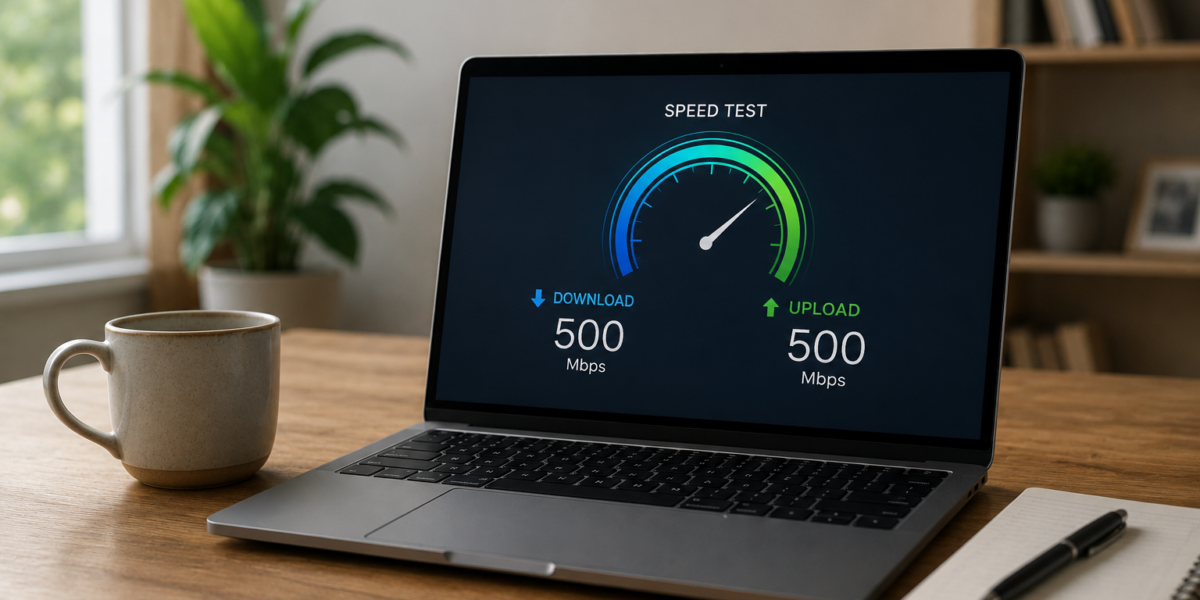
Symmetrical internet means your upload speed and your download speed are the same. If your plan offers 500 Mbps, you get 500 Mbps going out and 500 Mbps coming in.
The gap between upload and download on most connections was a deliberate design choice. Early internet was built around downloading: loading web pages, playing videos, pulling email. Uploading was an afterthought, so providers built their networks to put nearly all capacity toward download. Understanding the difference between upload and download speeds shows exactly where that asymmetry comes from.
Household habits have shifted since then. Video calls, cloud backups, remote work, and smart-home devices all send data upstream, not just down. A plan with fast download speeds can still bottleneck a single video conference while someone else is uploading a large file in the background.
What are the benefits of symmetrical internet?
A symmetrical connection changes how your whole household experiences the internet, not just one person or one task. Here’s what that looks like day to day.
- Video calls stay clear and stable, even when multiple people in your home are on calls at the same time.
- Cloud backups and large file uploads finish in minutes instead of hours.
- Live streams run without buffering, and video uploads don’t stall or fail partway through.
- Speeds stay consistent across a multi-person household, so one person’s upload task doesn’t slow everyone else down.
- The connection handles cloud-based workflows, remote desktop sessions, and emerging tools without you needing to upgrade just to keep up.
Why your upload speed matters more than you think
Every participant on a video call is sending their camera feed upstream. When your picture freezes or pixelates on the other end, that’s usually your upload speed, not theirs. The call looks fine on your screen because you’re downloading their feed just fine.
Cloud backups tell a similar story. Backing up a full photo library or syncing a large project folder to a remote server can take hours on a slow upload connection. A fast, symmetric connection handles that job quietly in the background and finishes before you notice it started.
For live streamers and content creators, upload speed isn’t optional. It’s the whole game. Streaming video in real time is entirely upload-dependent. Drop below the minimum rate your platform requires, and the stream drops frames or cuts out entirely.
Dense households feel it too. Smart speakers, security cameras, video doorbells, and tablets all send data upstream. Add a few people working from home at once, and an asymmetric connection starts to show its limits. The benefits of fiber internet for these households go beyond raw speed. It’s about keeping every device moving without competition.
What is a good upload and download speed?
Here’s a practical breakdown by usage level.
Basic household (browsing, streaming, occasional video calls): The FCC updated its minimum fixed broadband standard to 100 Mbps download and 20 Mbps upload, raising it from the 25/3 Mbps threshold that had been in place since 2015. That update reflects what typical households actually need today, not a decade ago.
Remote work and multi-device households: For 1080p HD group video calls, Zoom’s published system requirements set 3.8 Mbps upload per active stream as a minimum threshold. With two or three people on calls simultaneously, or large file transfers running in the background, 50 to 100 Mbps upload is a more practical aim.
Heavy usage (multiple remote workers, live streaming, frequent large uploads, dense smart-home setups): On a fiber plan, upgrading to a gigabit or multi-gig tier scales both upload and download together. You gain headroom on both sides at once without one direction lagging behind the other.
Not sure where you land? Running a speed test shows your real upload and download numbers side by side, so you can compare them against these benchmarks directly.
Who actually needs symmetrical internet?
Symmetrical speeds make a meaningful difference for some households and won’t move the needle for others. It comes down to how much data your household sends upstream on a typical day.
A symmetric connection is likely worth it if you:
- Work from home with daily video conferencing
- Regularly upload large files to cloud storage or remote servers
- Live stream or create and upload video content
- Have 3 or more people actively using the internet at the same time
- Run upload-dependent smart home or security camera systems
Asymmetrical speeds are likely sufficient if your household fits a lighter usage profile:
- Primarily browse, stream, and download with minimal uploading
- Live alone or in a small household with light simultaneous use
- Don’t work from home or use real-time communication tools regularly
The clearest self-test: if any of the five scenarios above sounds like a normal Tuesday in your home, you’re a candidate for symmetric speeds.
How to get symmetrical upload and download speeds
Fiber is the primary technology that delivers symmetric speeds. Cable and DSL networks are built with separate physical channels for upload and download, and upload capacity is limited by that infrastructure by design. Fiber transmits data as pulses of light, and the same physical medium carries both directions at full capacity.
Not all fiber plans are symmetric. When you’re comparing options, check the listed upload speed, not just the download figure. A plan can advertise 1 Gbps download and still carry a much lower upload limit.
Our step-by-step guide on how to get fiber internet at your address covers what to expect from sign-up through installation day.
Symmetrical speeds, local fiber — All West has both
Starting with our 1 Gig fiber plan, All West brings true symmetrical speeds to homes across Utah and Wyoming. You get the same bandwidth in both directions, so your uploads keep up with your downloads no matter how many people are online.
Plans and speeds vary by location. Check what's available at your address and find the plan that fits your home.
Frequently asked questions
Should your upload and download speed be the same?
It depends on how you use the internet. If you mostly browse, stream videos, and download files, you probably won’t notice a gap between upload and download. If you work from home, make daily video calls, or regularly send large files to cloud storage or remote servers, an asymmetric connection will show up as a real friction point in your day.
Is symmetrical internet better for gaming?
Download speed matters more for most gaming, since the game data flows toward you. Symmetric speeds make the biggest difference when you’re live streaming your gameplay, which is entirely upload-dependent. Your stream quality is only as good as your upload connection.
What’s the difference between symmetrical and asymmetrical internet?
Symmetrical means upload and download speeds are equal. Asymmetrical means they’re not. Most cable and DSL plans are asymmetrical by design, with download speeds far outpacing upload. Fiber is the main technology that delivers a symmetrical connection, because the same physical medium carries data in both directions at full capacity.
Do I need symmetrical internet to work from home?
Not always, but it helps more than most people expect. Video calls, screen sharing, and uploading files to shared drives all depend on upload speed. If you’re on a single call with a fast enough upload, an asymmetric plan may be fine. If multiple people in your household are working from home at the same time, or you’re regularly moving large files, the upload gap on a cable plan becomes a daily inconvenience.